
decafwaitlist

A realistic approach to the flip phone lifestyle.

Decaf is a Mac app that relays important iMessages to you, and organizes the rest.

Join the waitlist

Decaf is a Mac app that helps you unplug from the compulsive stream of checking and replying to iMessages all day.

Designed for artists, writers and anyone who wants the headspace and clarity of a flip phone lifestyle — without disconnecting from the modern world.

Stay in your group chats and never miss an important iMessagedjulesnowpickup moved to 2:00 or 2FA.

How it works

Two paths to regain headspace.

1Decaf Desktop App

A calm, monochrome minimalist iMessage app that organizes your texts by importance, and gives you a push notification when something time-sensitive comes through.

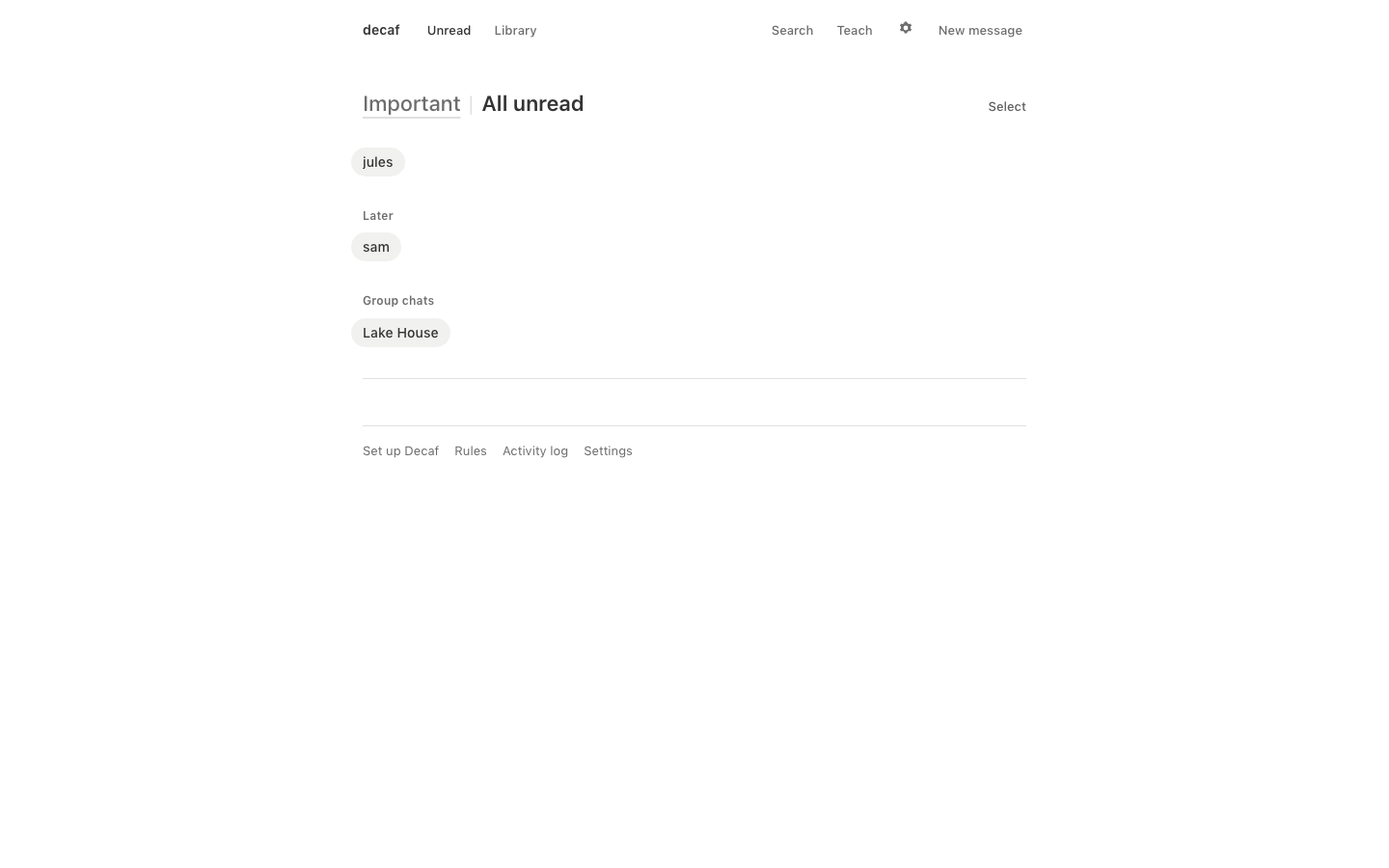
The Decaf window at rest: Important | All unread, with jules, sam under Later, and the Lake House group chat
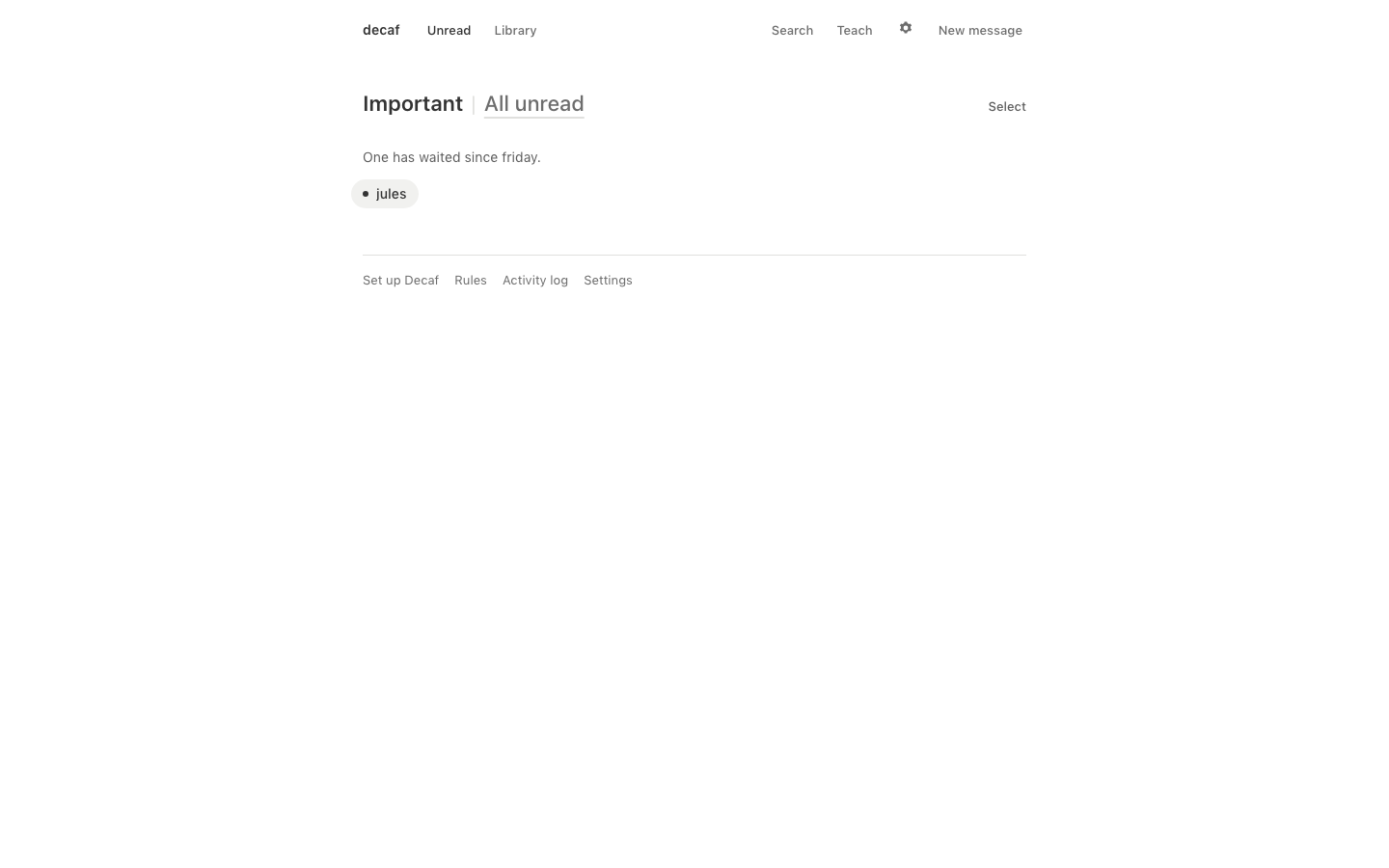
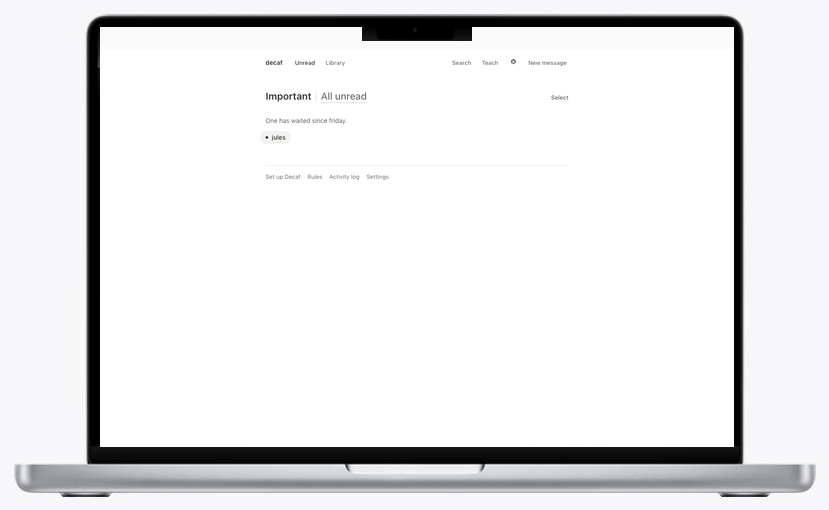
The Important list: one has waited since friday, jules
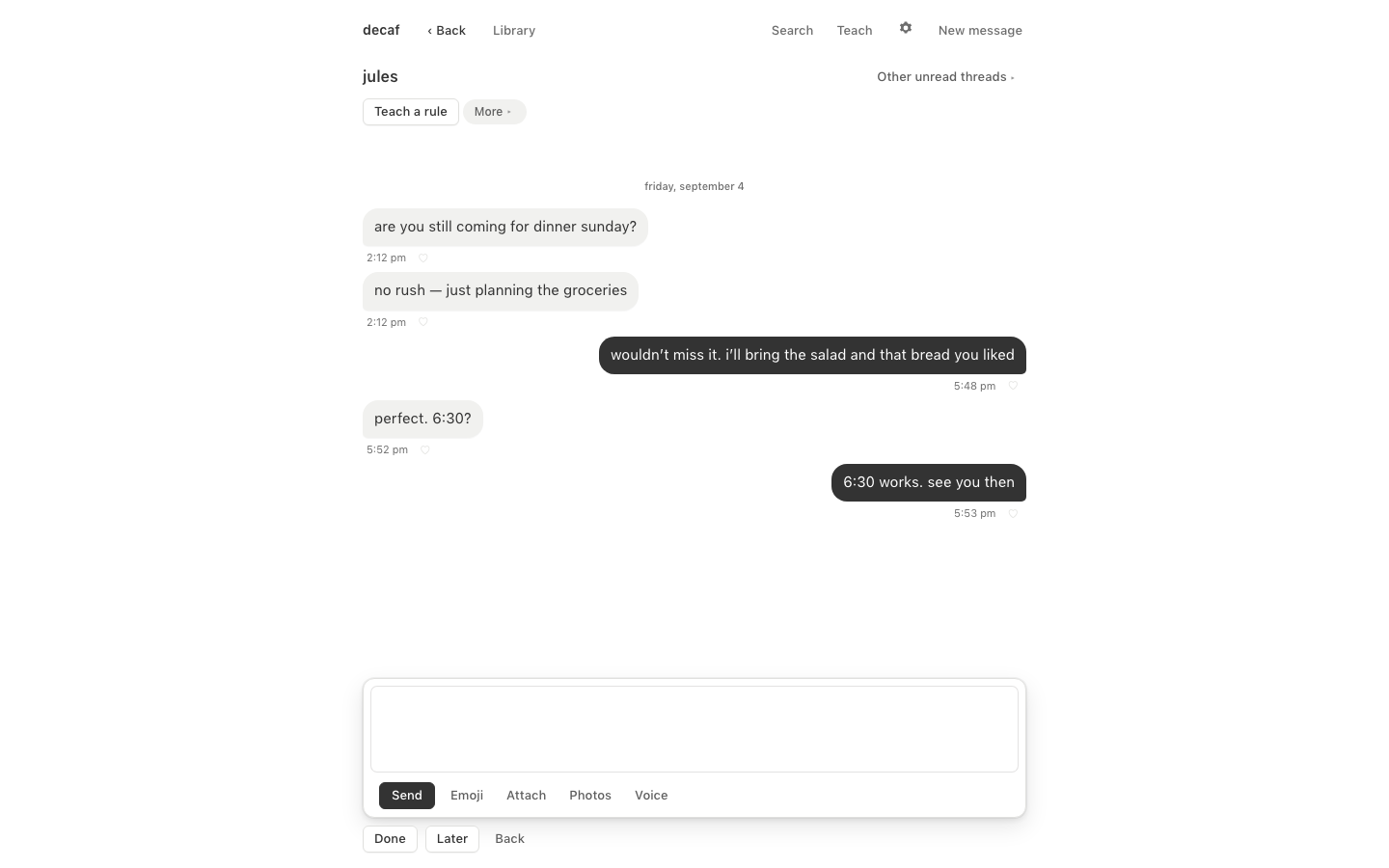
A thread with jules in Decaf: the messages, and the compose box below
The Important list, with nothing else on it
  • no typing dots
  • no unread counts
  • no message previews
  1. Run Decaf on your laptop/desktop.

  2. Decaf intelligently organizes your messages by judged urgency, and groups you create.

  3. Use it to reply to iMessages intentionally, at the cadence of email, when you have the space.

  4. Decaf is intentionally stripped of all addictive UX/UI — so you can simply focus on replying to each message.

2Decaf Desktop App + Light Phone

A system that allows you to switch to a minimalist phone, and still stay connected for logistics, work, and loved ones — on your terms.

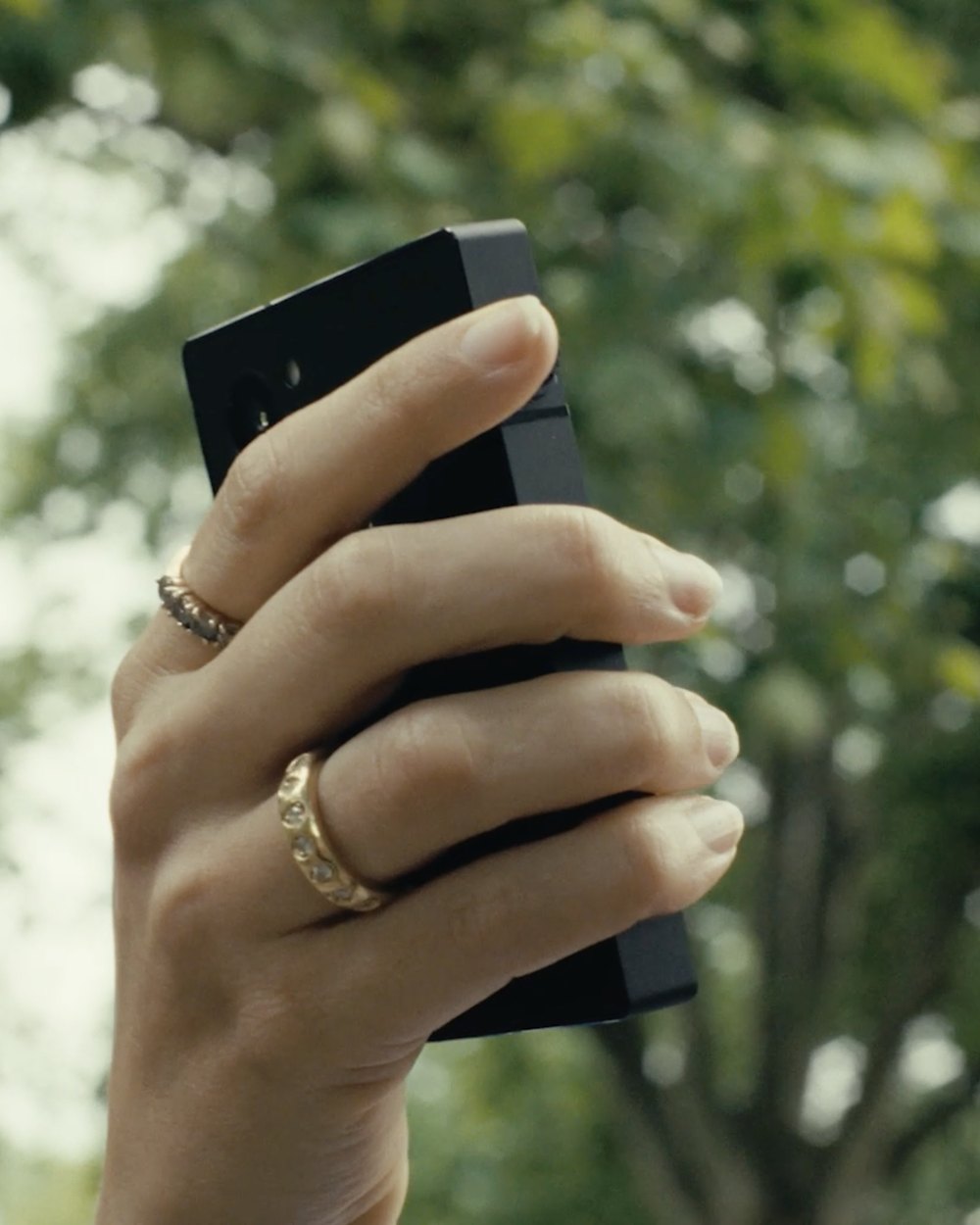
A hand holding a Light Phone up against trees
  1. Keep your current iPhone docked at home.

  2. Get a second line (Light/minimalist phone or iPhone) with only the apps you need.

  3. Decaf relays important texts to your second line in real-time, ensuring you're always in the loop on time-sensitive texts. Reply to these messages by texting Decaf directly.

This is the first approach we've found that makes having a light phone, flip phone, or utility smartphone realistic. You get the headspace you're craving, but all your chats stay blue, you don't miss out on plans (even spontaneous plans in group chats), and your friends feel like you're still reachable.

Why we built it

Why we built it

The sea at dusk, one swimmer far out
  1. Compulsive phone checking is partly caused by the fear of missing an important message.

  2. Checking for something important becomes a neurochemical slot machine — ninety-six checks a day, each one a bet that something important came through.

  3. Each check lowers your baseline dopamine and derails your attention for twenty-three minutes¹ — diminishing clarity of thought, presence, and creative momentum.

    ¹ Gloria Mark, University of California, Irvine — research on attention and task interruption.

  4. Decaf calms this fear by notifying you only if something time-sensitive or important arises to reply to.

  5. Peace of mind means less phone checking. And subsequently, less interruptions from creativity, presence, and focus throughout the day.

The setup

The setup

Push notifications and replies on your desktop app, no change to phone.

Important messages relayed to a minimalist second phone line, reply to them by texting Decaf directly.

An iPhoneiPhonedocked at home
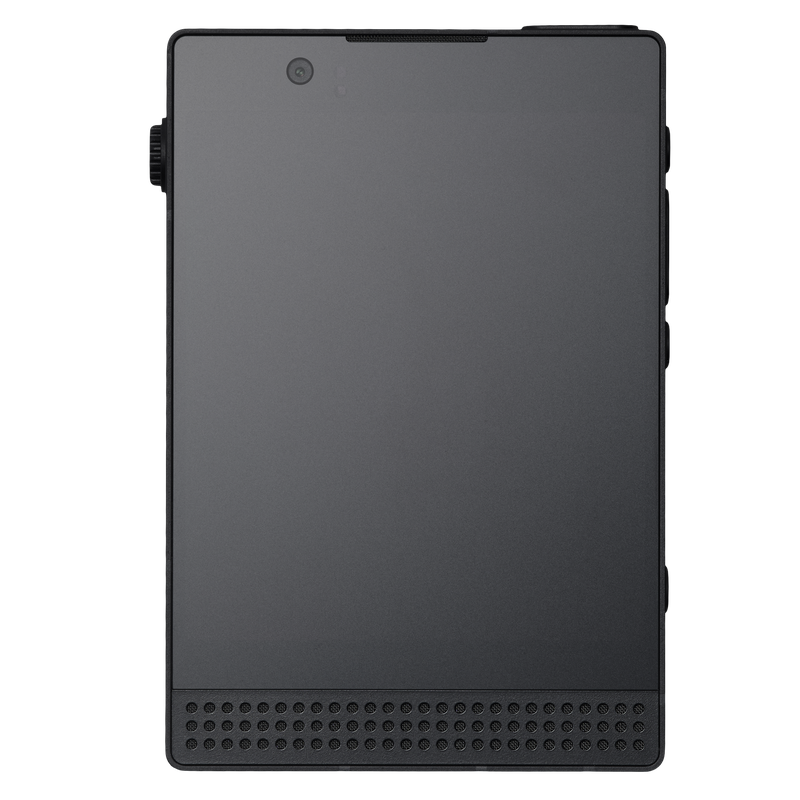
A Light Phone IIIMinimalist PhoneLight Phone / iPhone SE
Decaf Desktop on a MacBook Pro: the important | all unread toggle, with jules and Lake House listed
Decaf Desktopnotifies you when something important comes throughrelays important texts to your second line, in real-time

Plugged in, on Wi‑Fi: your laptop relays while it's awake. Always on: run Decaf on an old laptop or Mac Mini (~$300) for always-on text-relaying when your laptop is offline.

The model

The model

What decides what's important

The model

A small open-source model, tuned by us, running on your Mac. It sorts by importance and relays time-sensitive texts.

Features

Text it specifically to run commands. It's a simple model that understands commands well, but can't chat with you.

What leaves your Mac

Nothing.

Cost

Included.

How you text it from your second phone

Decaf's fixed words: reply, the name, your message.

What decides what's important

The model

Claude, Anthropic's model, running in the cloud. Everything local does, with better judgment.

Features

Chat with it in natural language to get context, updates, or reply to texts.

What leaves your Mac

A redacted copy of each message, for sorting. The full thread only when you ask Claude something from your phone. Never used to train.

Cost

$11/mo

How you text it from your second phone

Natural language, and you can ask for context.

FAQ

Questions.

What's the smallest way to try it?

The desktop app alone. Run Decaf on your Mac, turn on notifications, and keep your iPhone exactly as it is. Nothing moves, and you can stop any time.

What if something important slips past?

Rules you write in plain words win over the model: “anything from jules about pickup gets through” is a rule, not a hope. And your phone still rings like any phone.

What if the group chat is planning something tonight?

Decaf relays time-sensitive group chat logistics, like when your name comes up or plans are being made, so you're never out of the loop.

What about 2FA codes?

Codes texted to your number land in Decaf's codes group and relay to your second line, so banking, work, and tickets keep working.

Does it work with a flip phone?

Yes. From a Light Phone or flip phone, replies and commands work over SMS, and Decaf asks before anything sends as you. With Claude turned on, you can text it in natural language.

Do I need to be technical?

No. You download the Mac app and follow the setup. If you want the always-on option, an old laptop or Mac Mini does the job.

Won't people mind slower replies?

Your replies still come from you, in the same blue threads. The people who need you right now get through; everyone else gets you at the cadence of email.

What leaves my Mac?

With Decaf Local, nothing. With Claude, a redacted copy of each message for sorting, and the full thread only when you ask Claude something from your phone. Never used to train.

Join the waitlist.

Decaf for Mac — $19. Once.

You're in. We'll write when it's ready.